Every tool, screen by screen
All 34 of them, captured from the running application rather than mocked up. Each one is 1024×768 — the smallest screen TuneBit is built to fit.
Overview
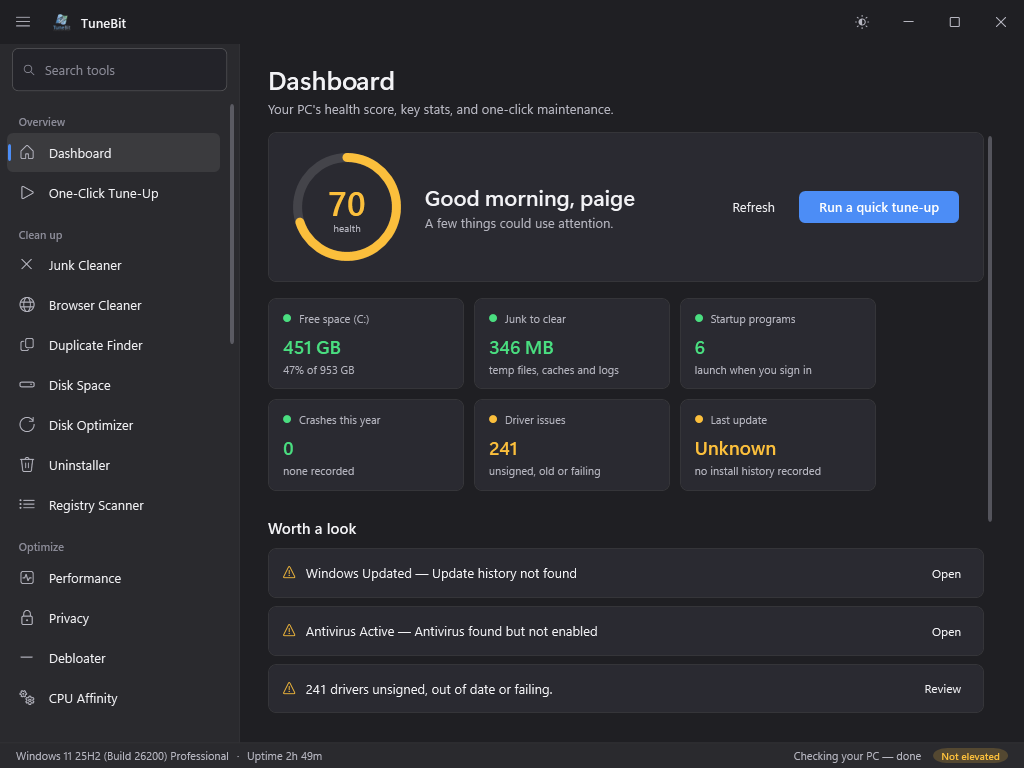
Dashboard
Your PC's health score, key stats, and one-click maintenance.
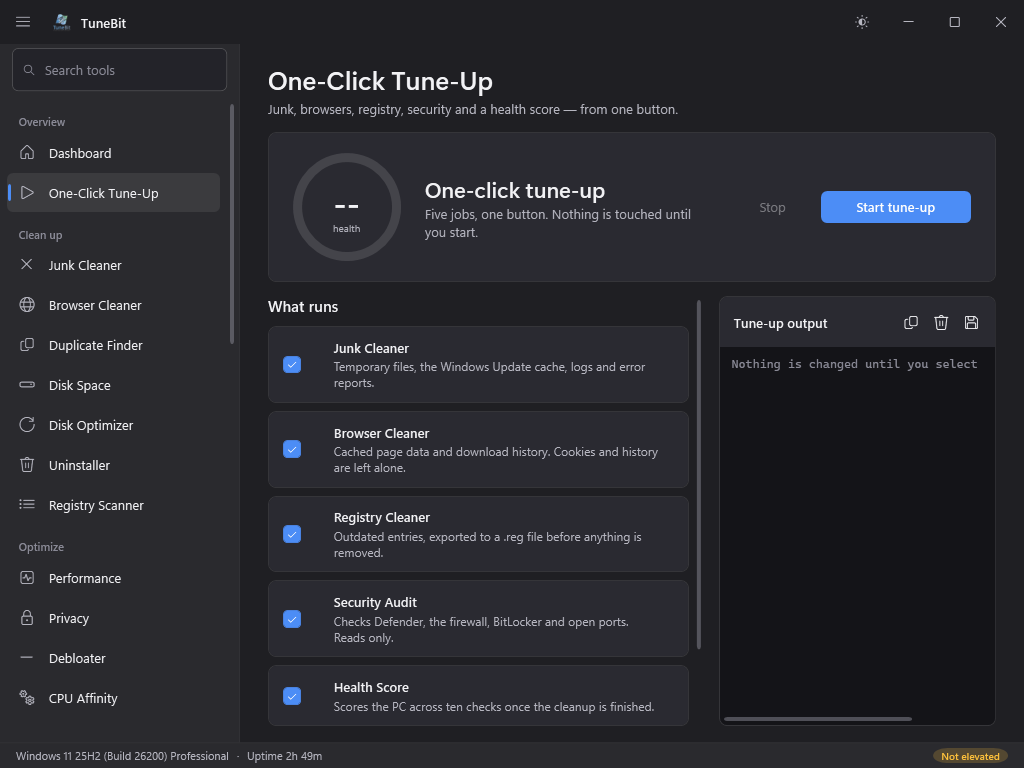
One-Click Tune-Up
Junk, browsers, registry, security and a health score — from one button.
Clean up
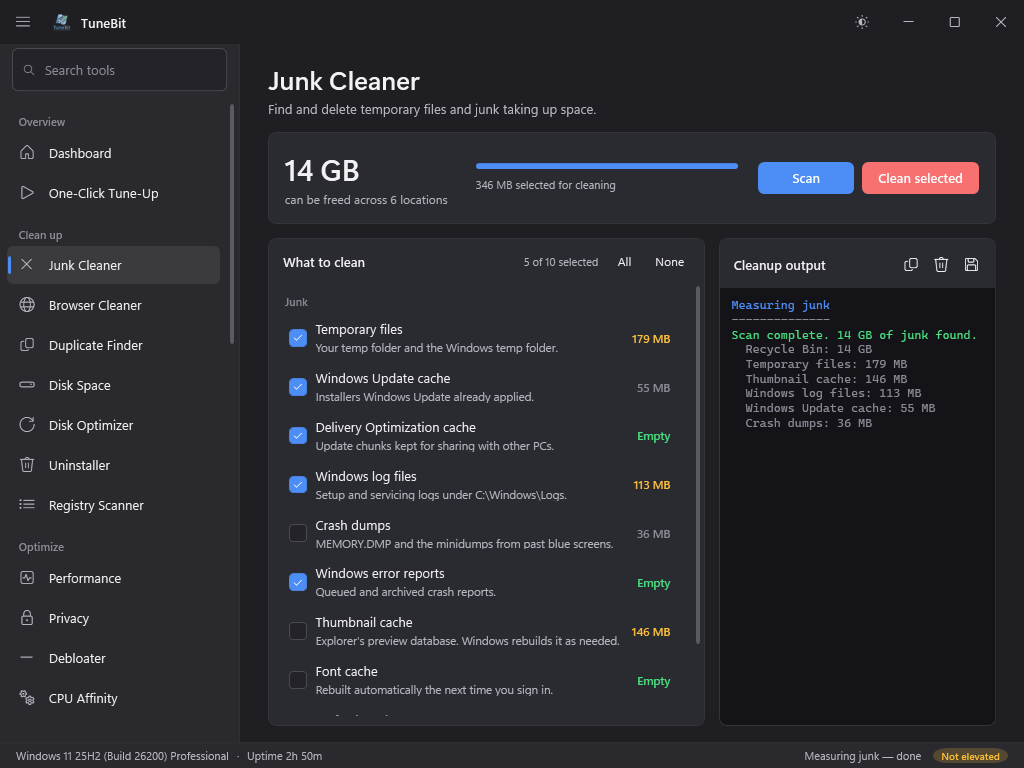
Junk Cleaner
Find and delete temporary files and junk taking up space.
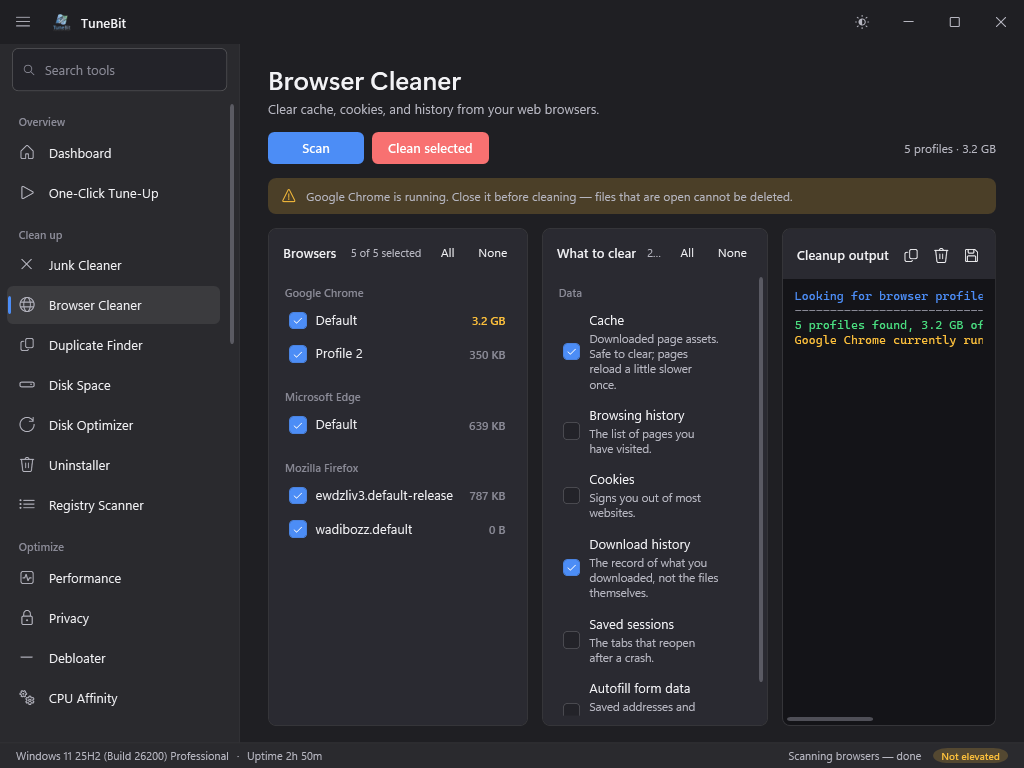
Browser Cleaner
Clear cache, cookies, and history from your web browsers.
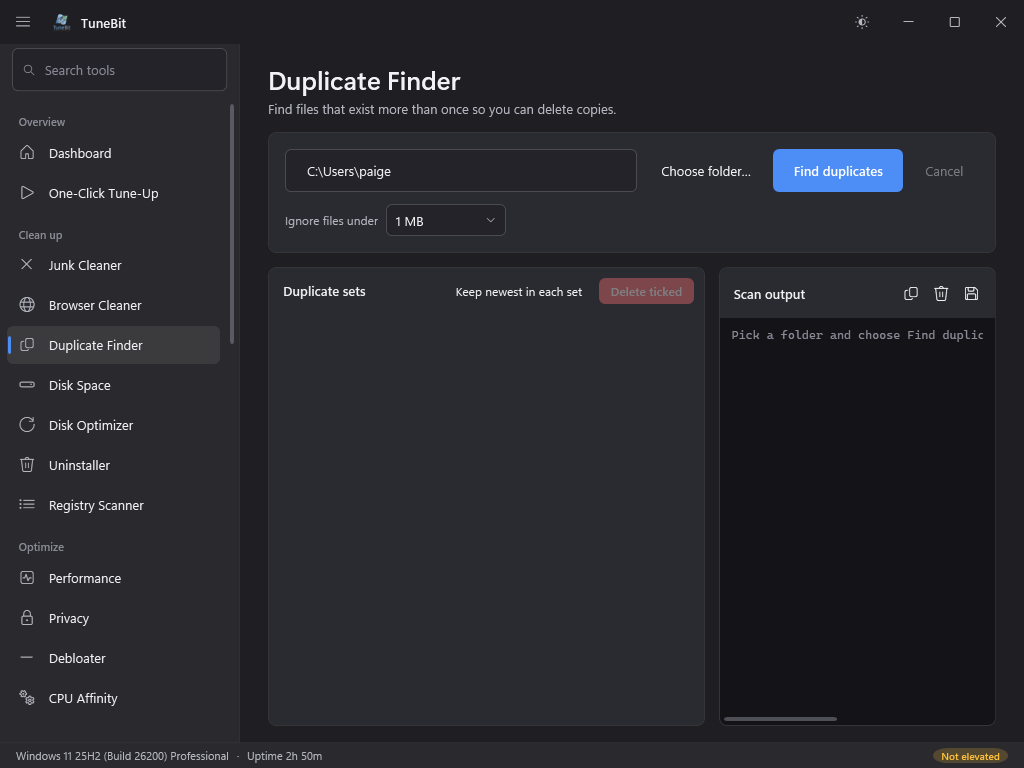
Duplicate Finder
Find files that exist more than once so you can delete copies.
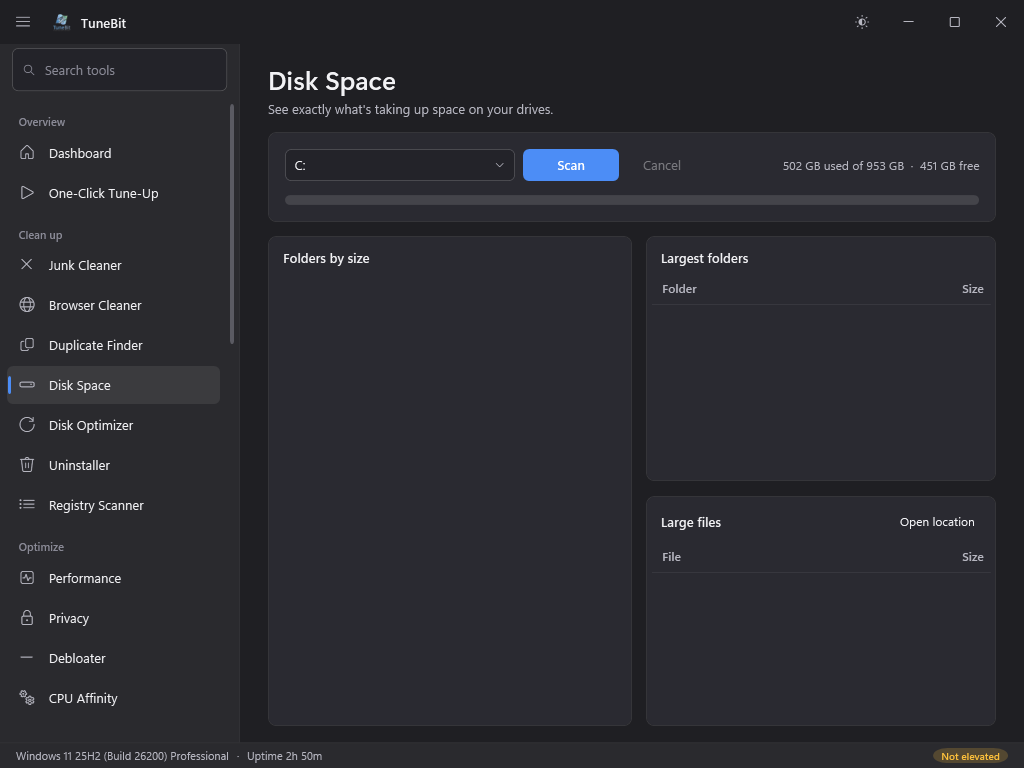
Disk Space
See exactly what's taking up space on your drives.
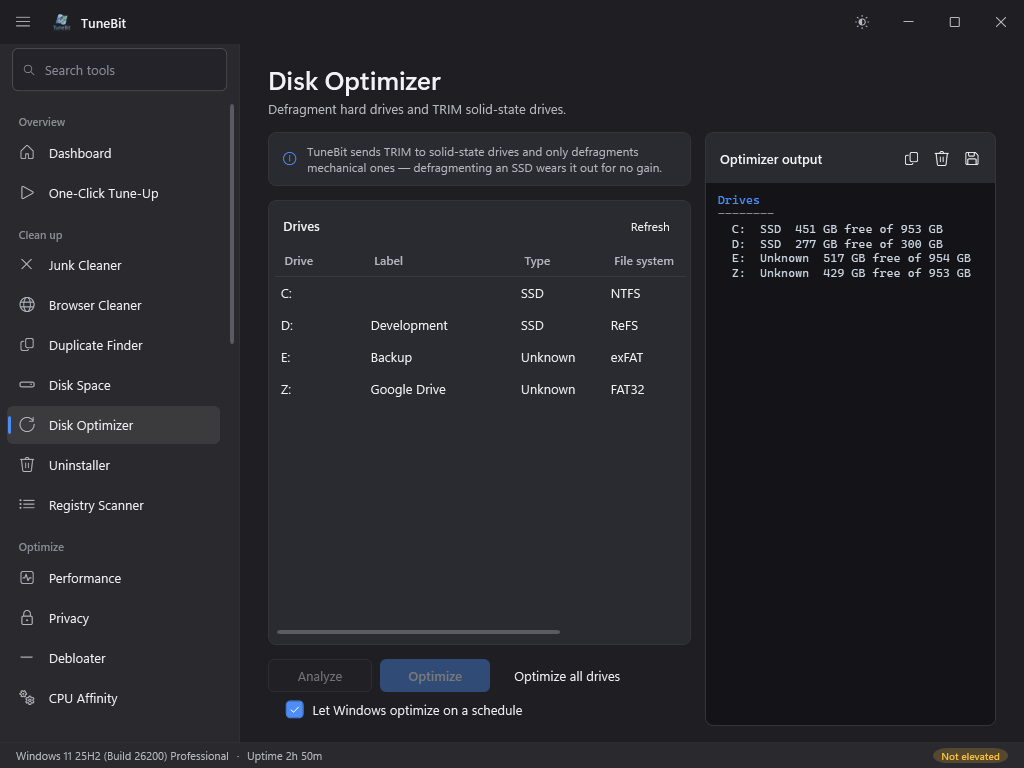
Disk Optimizer
Defragment hard drives and TRIM solid-state drives.
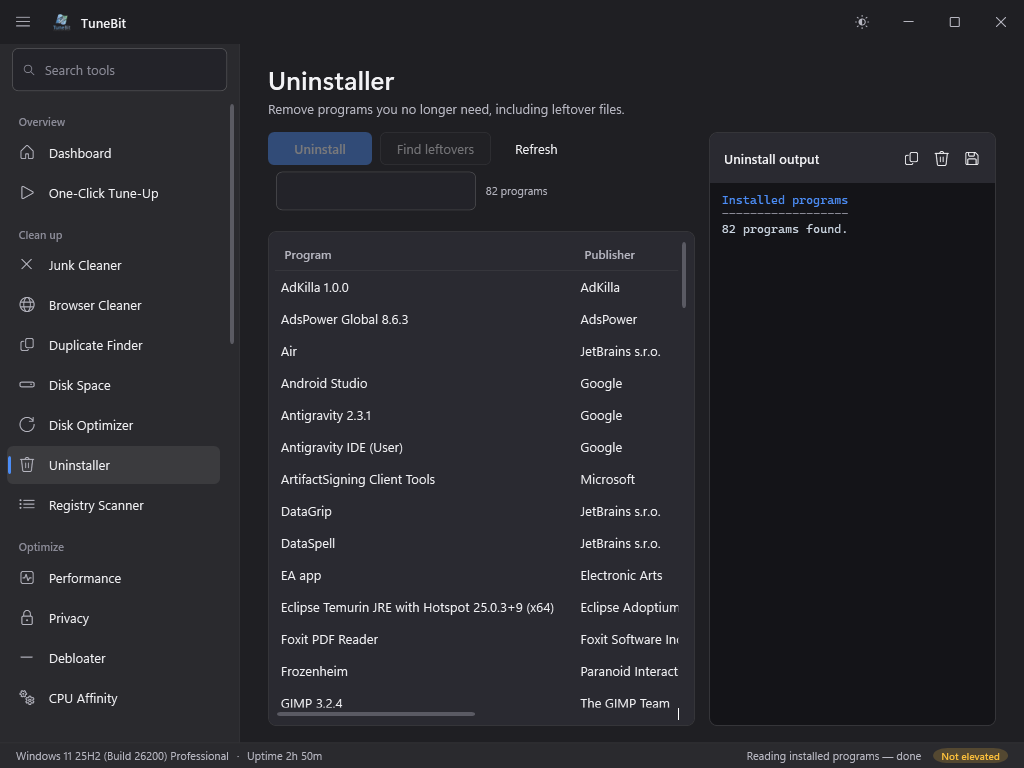
Uninstaller
Remove programs you no longer need, including leftover files.
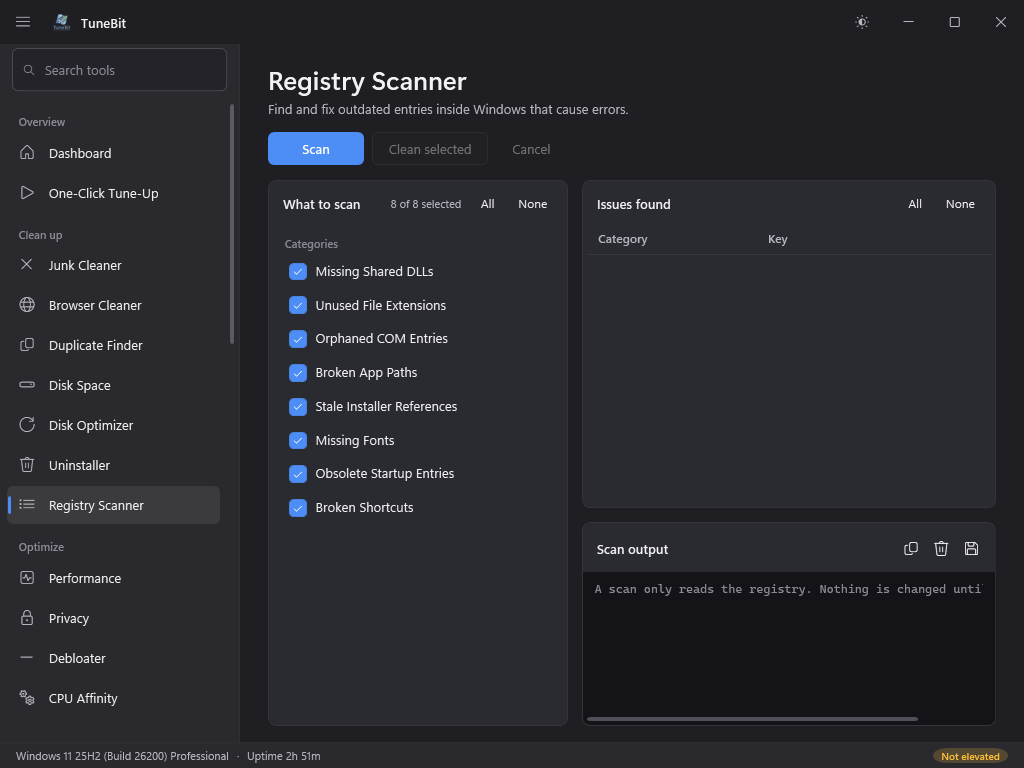
Registry Scanner
Find and fix outdated entries inside Windows that cause errors.
Optimize
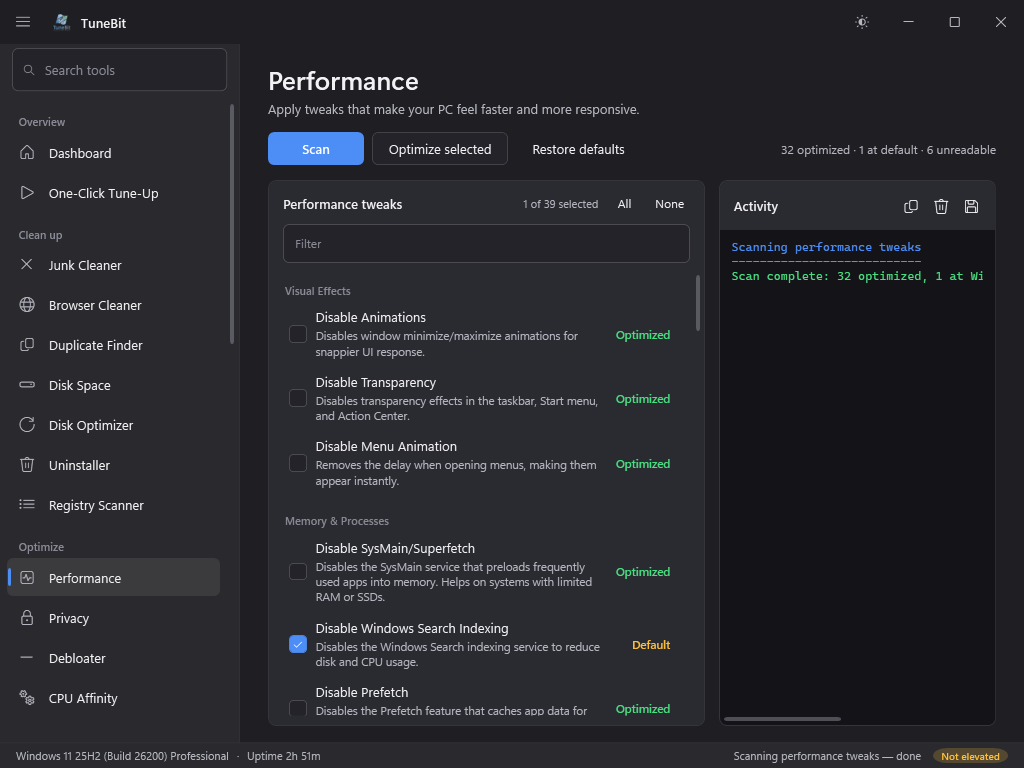
Performance
Apply tweaks that make your PC feel faster and more responsive.
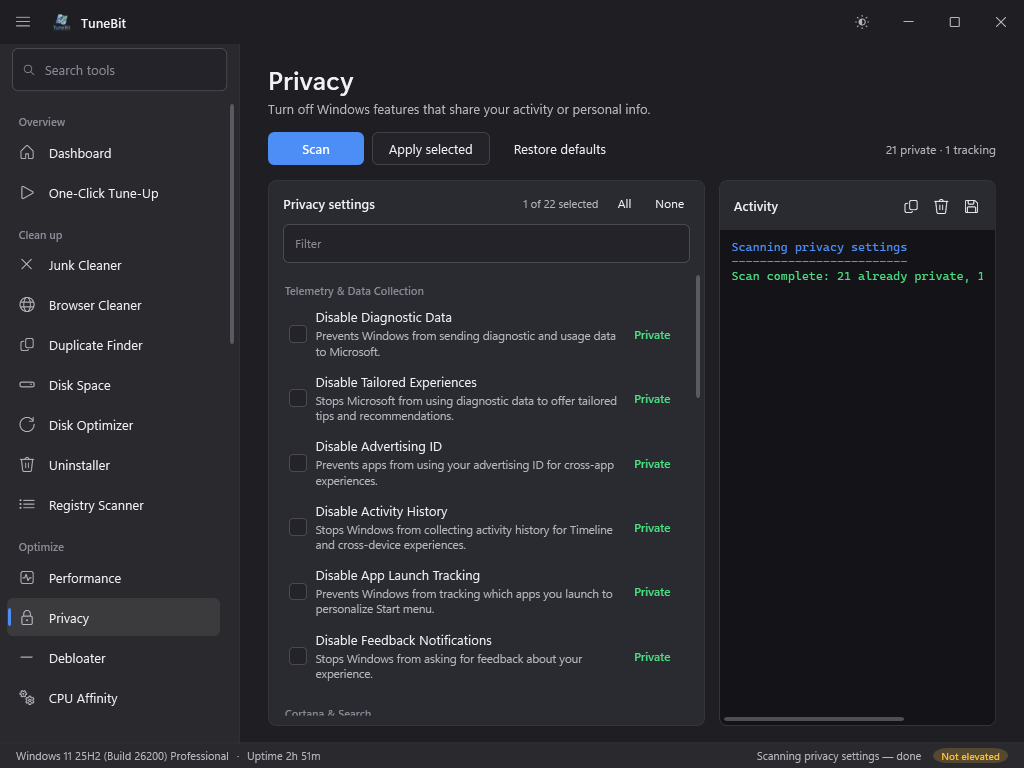
Privacy
Turn off Windows features that share your activity or personal info.
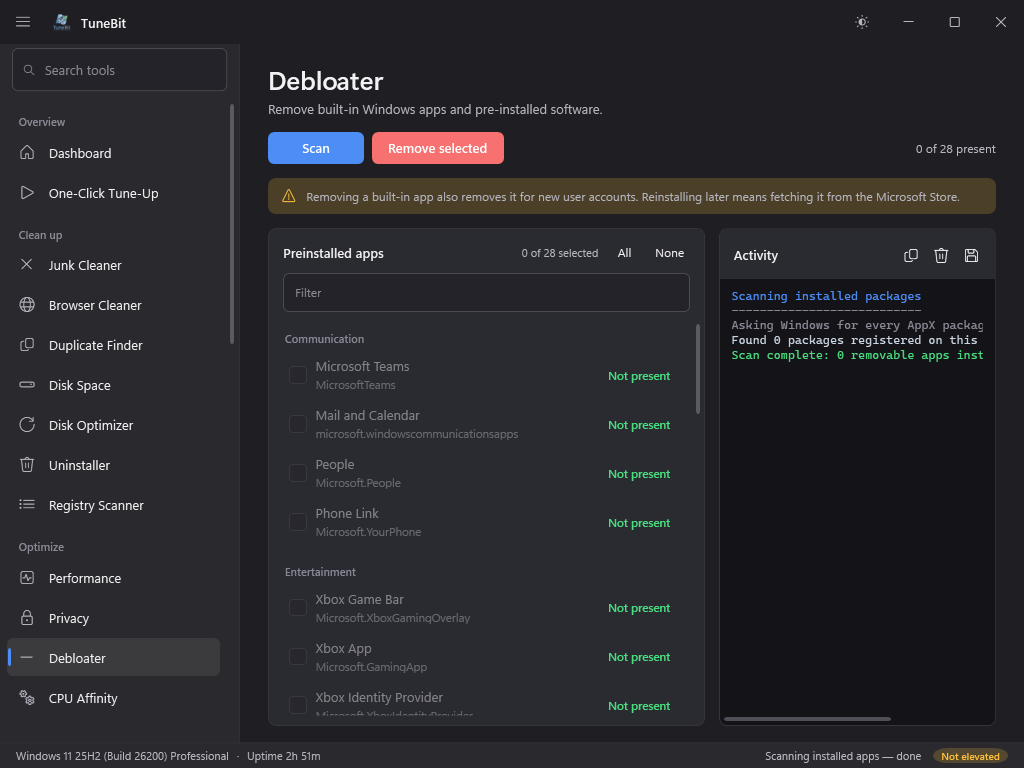
Debloater
Remove built-in Windows apps and pre-installed software.
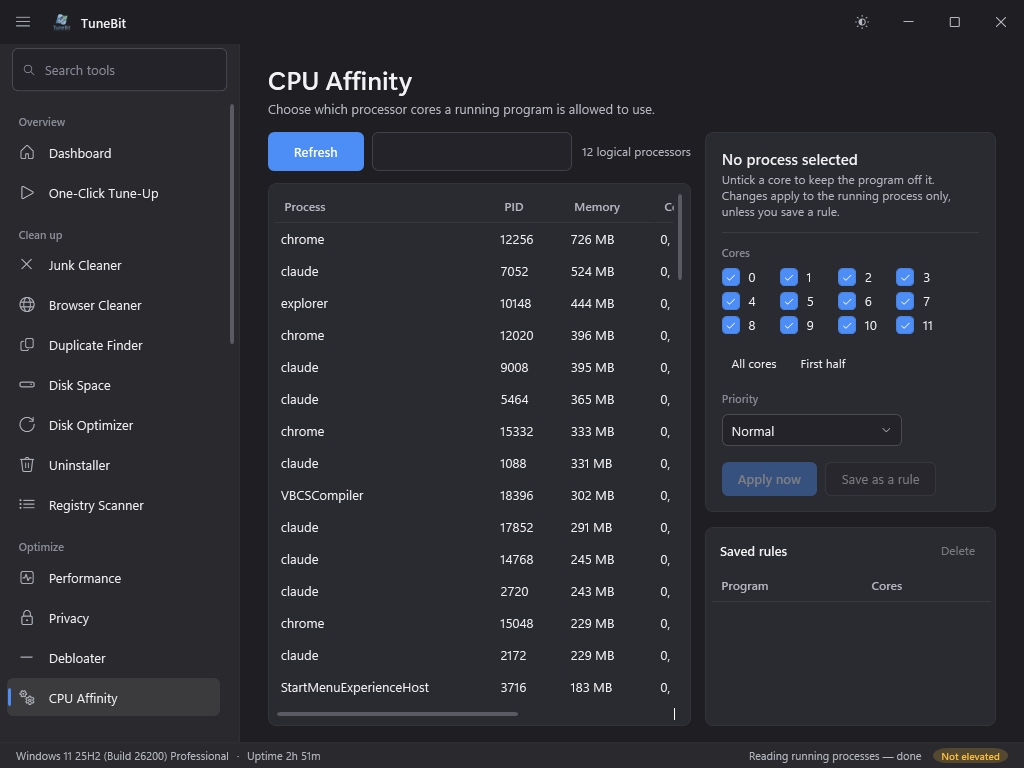
CPU Affinity
Choose which processor cores a running program is allowed to use.
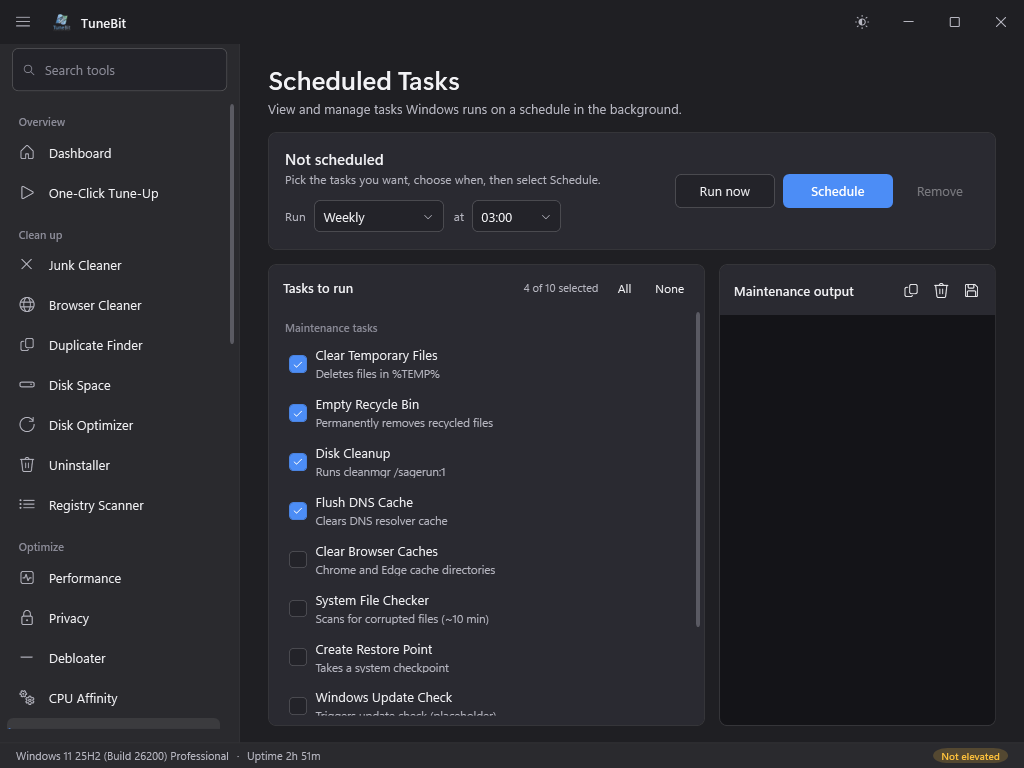
Scheduled Tasks
View and manage tasks Windows runs on a schedule in the background.
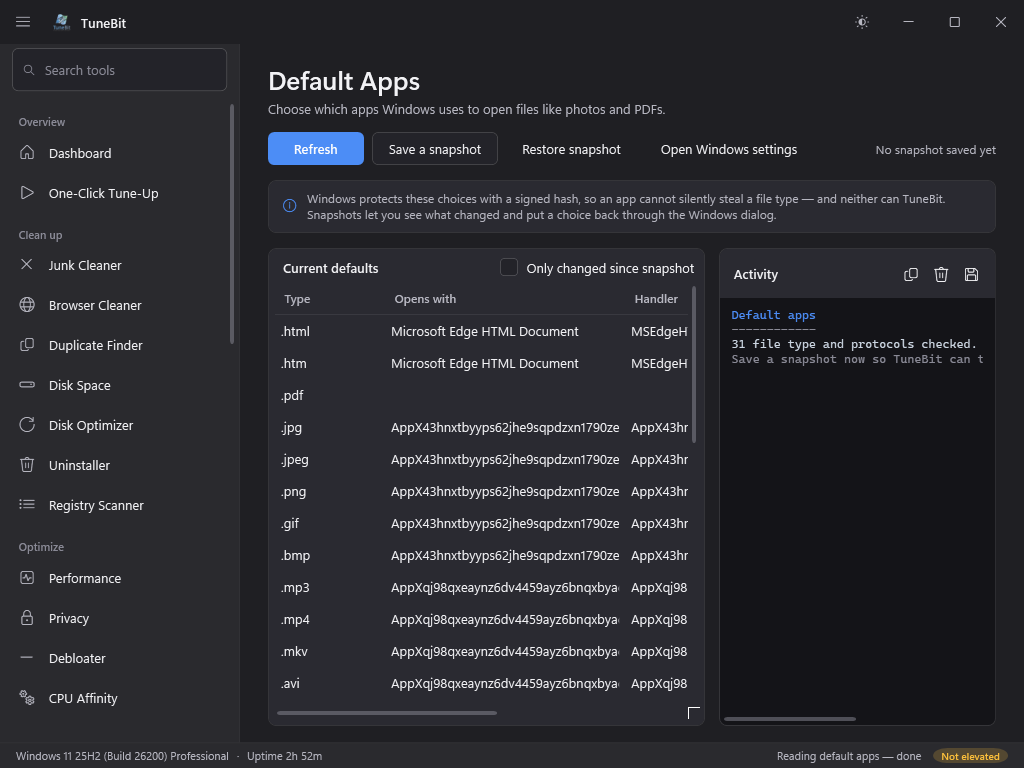
Default Apps
Choose which apps Windows uses to open files like photos and PDFs.
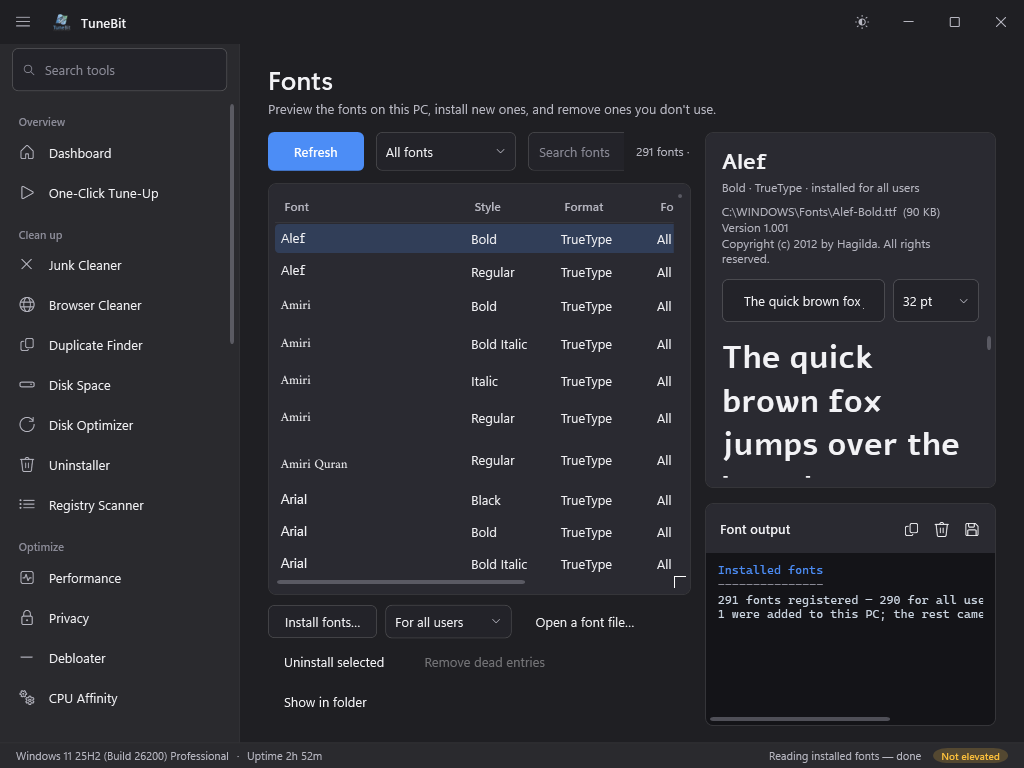
Fonts
Preview the fonts on this PC, install new ones, and remove ones you don't use.
Repair
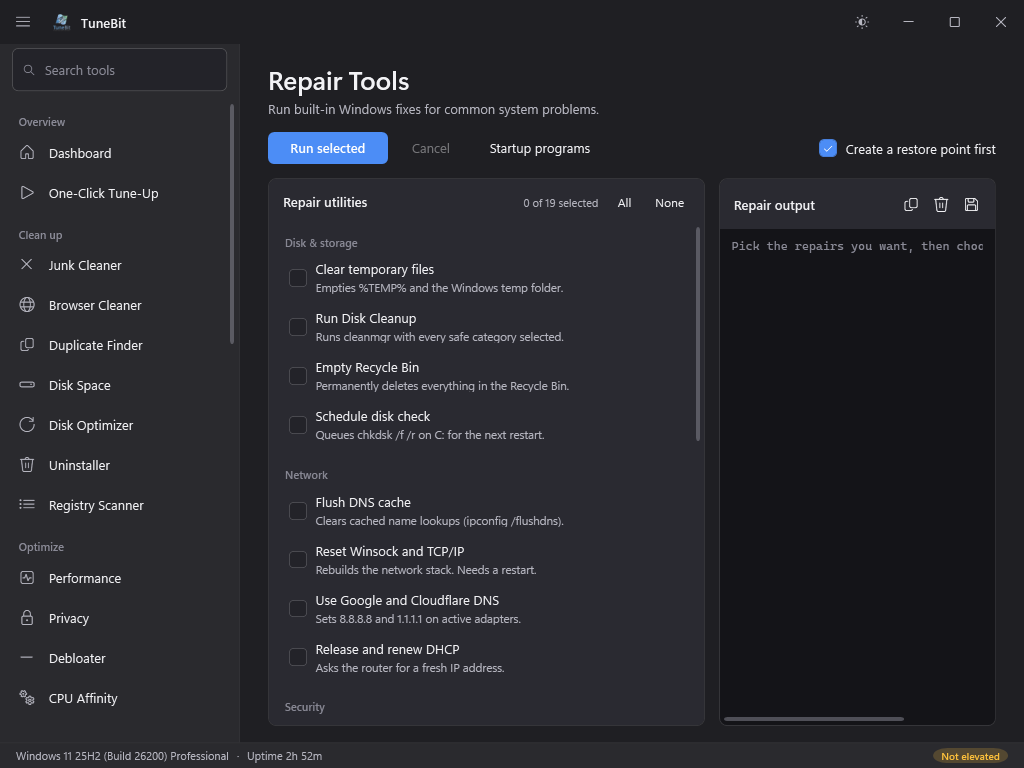
Repair Tools
Run built-in Windows fixes for common system problems.
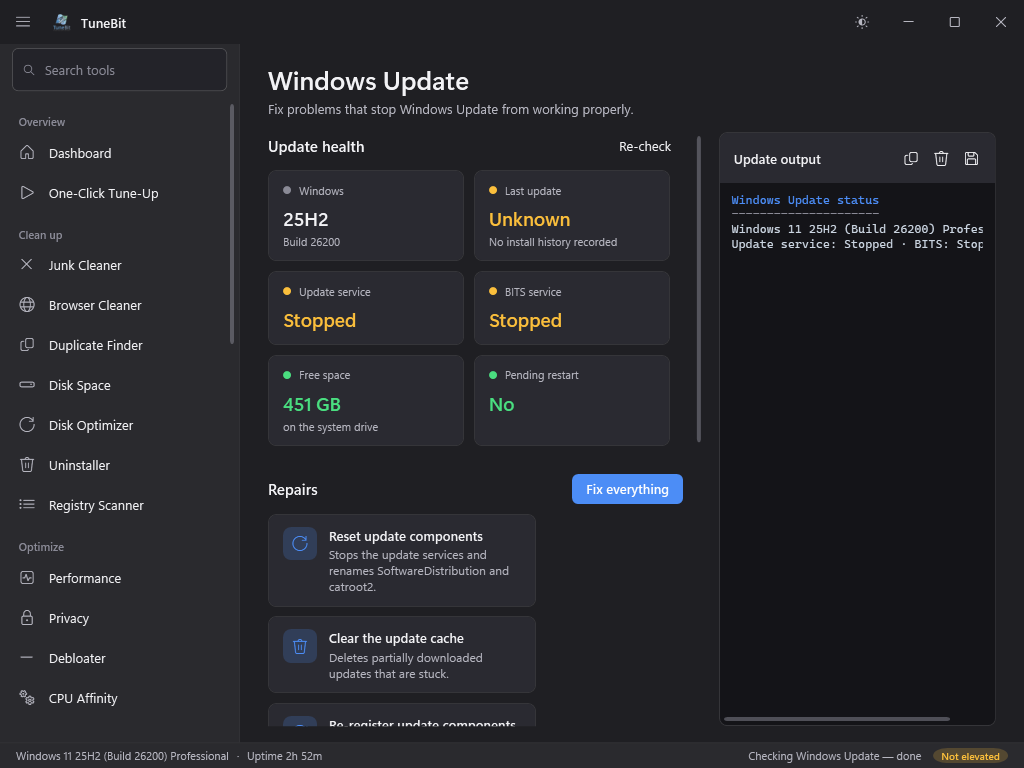
Windows Update
Fix problems that stop Windows Update from working properly.
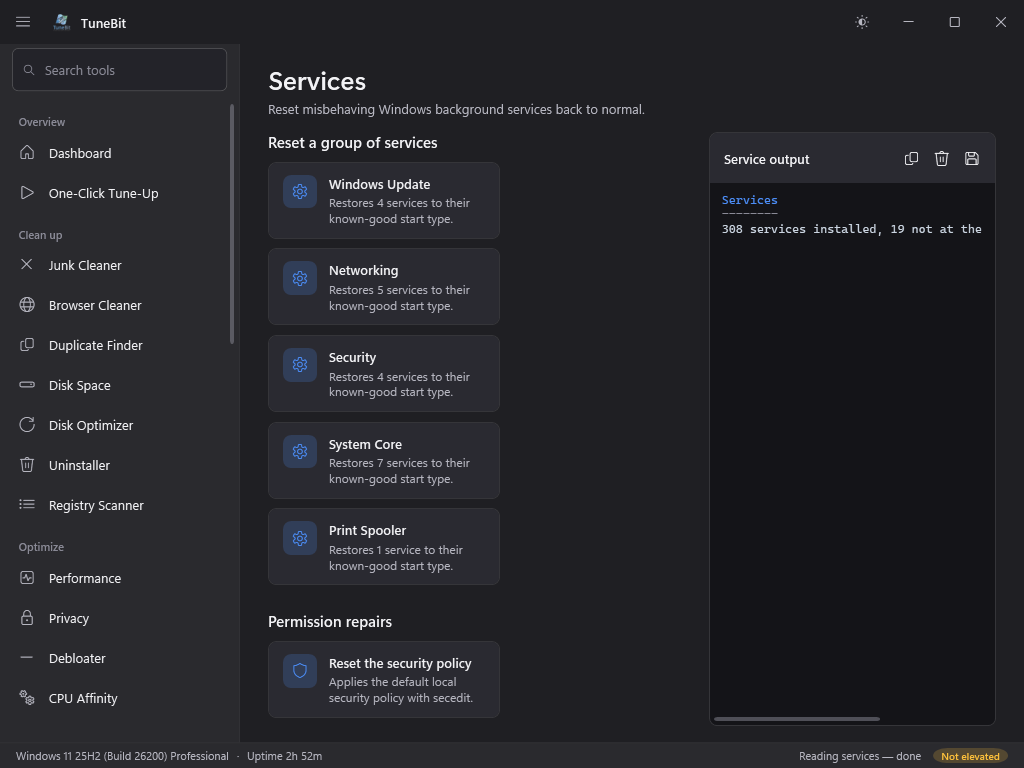
Services
Reset misbehaving Windows background services back to normal.
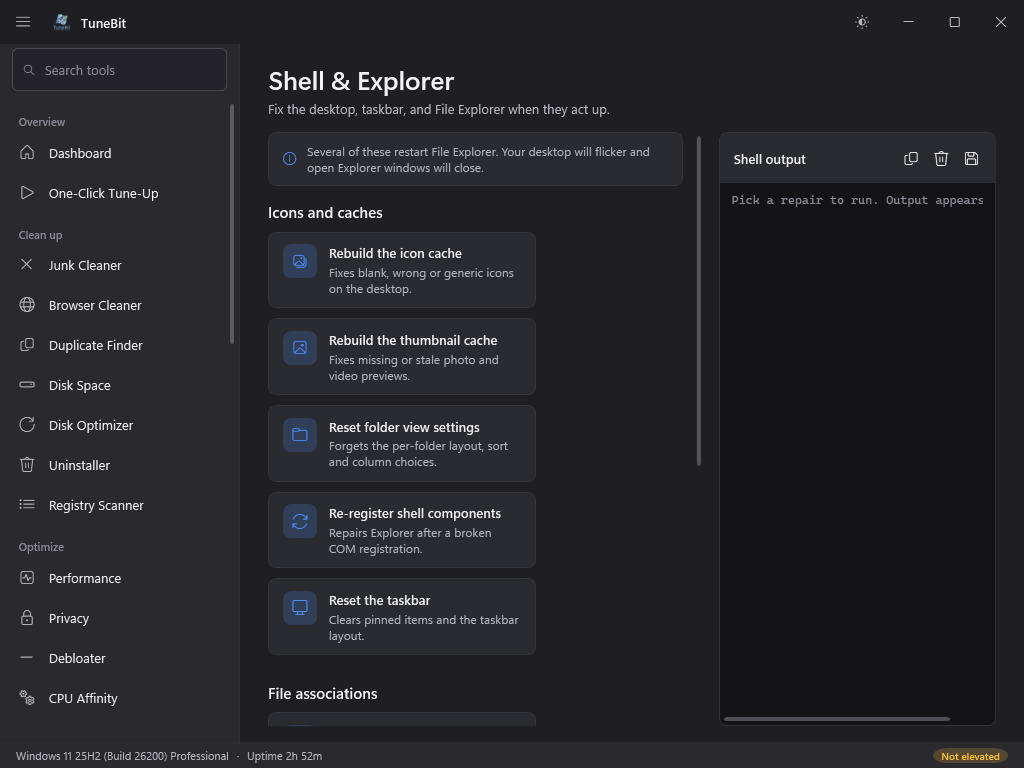
Shell & Explorer
Fix the desktop, taskbar, and File Explorer when they act up.
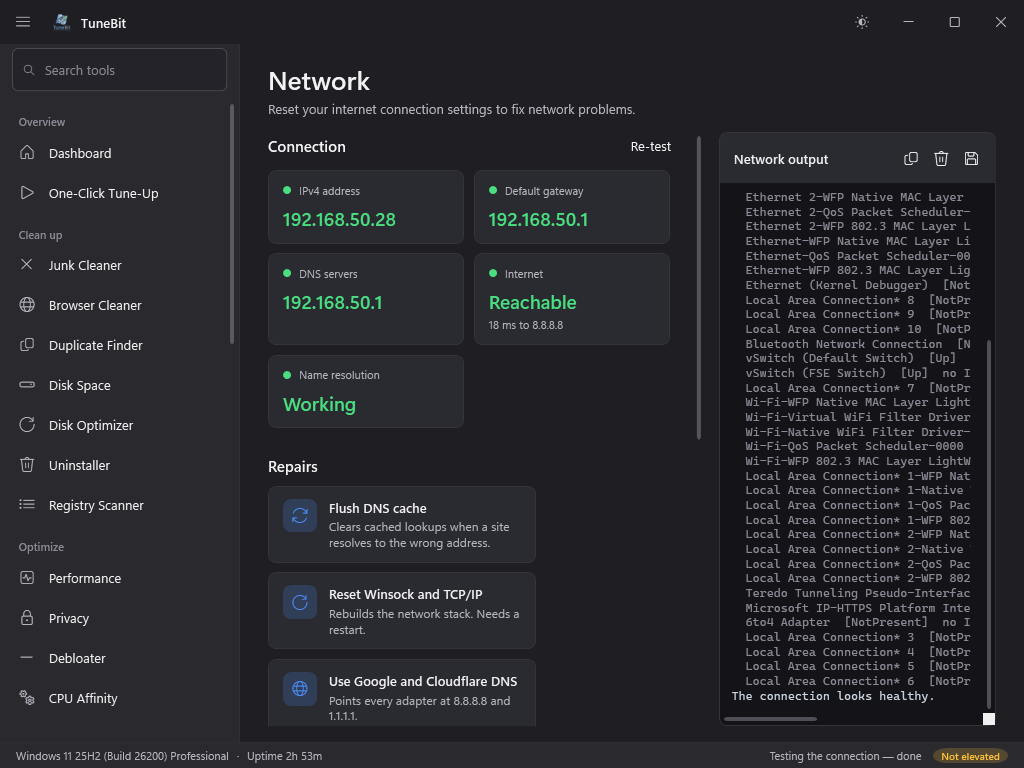
Network
Reset your internet connection settings to fix network problems.
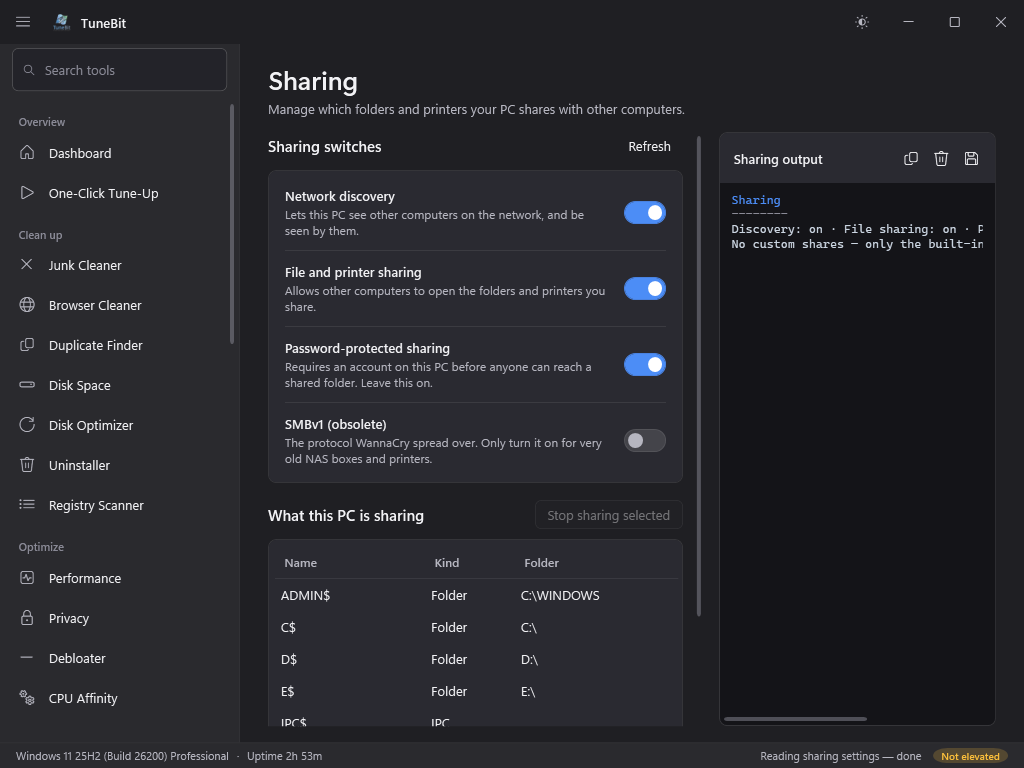
Sharing
Manage which folders and printers your PC shares with other computers.
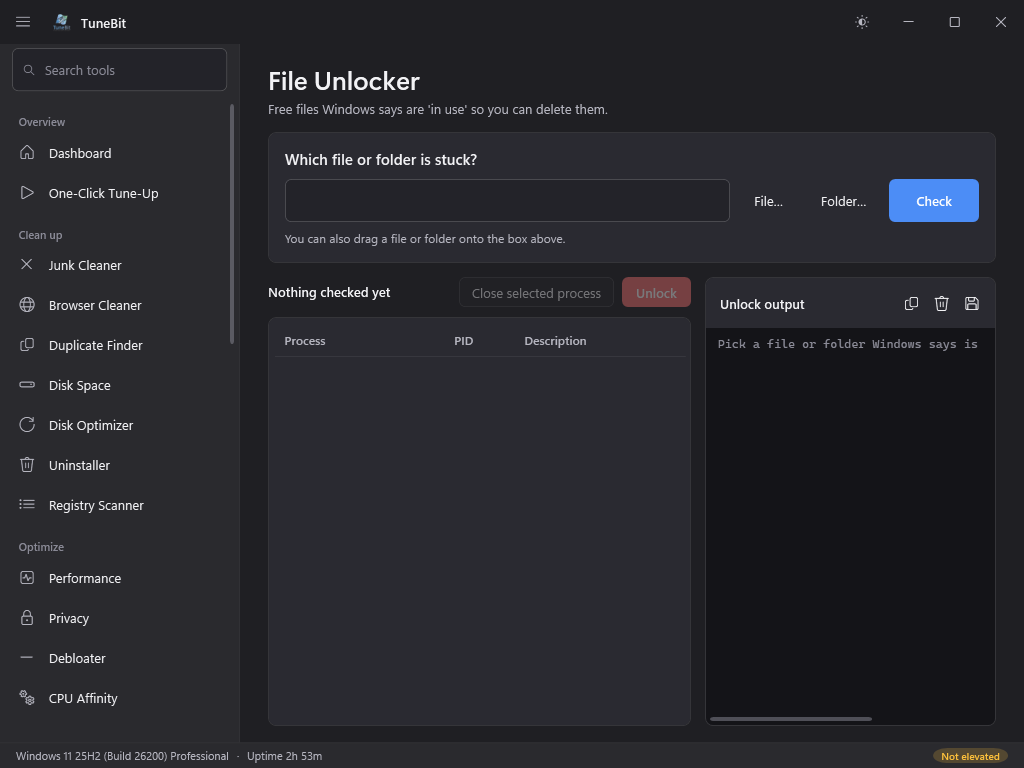
File Unlocker
Free files Windows says are 'in use' so you can delete them.
Security
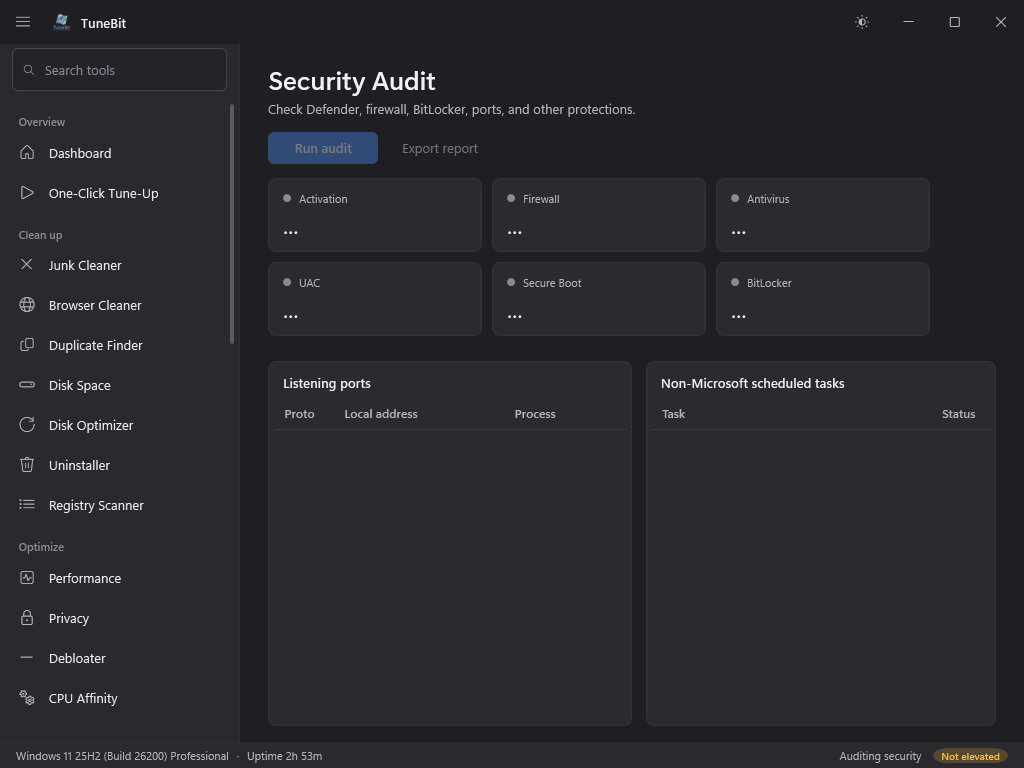
Security Audit
Check Defender, firewall, BitLocker, ports, and other protections.
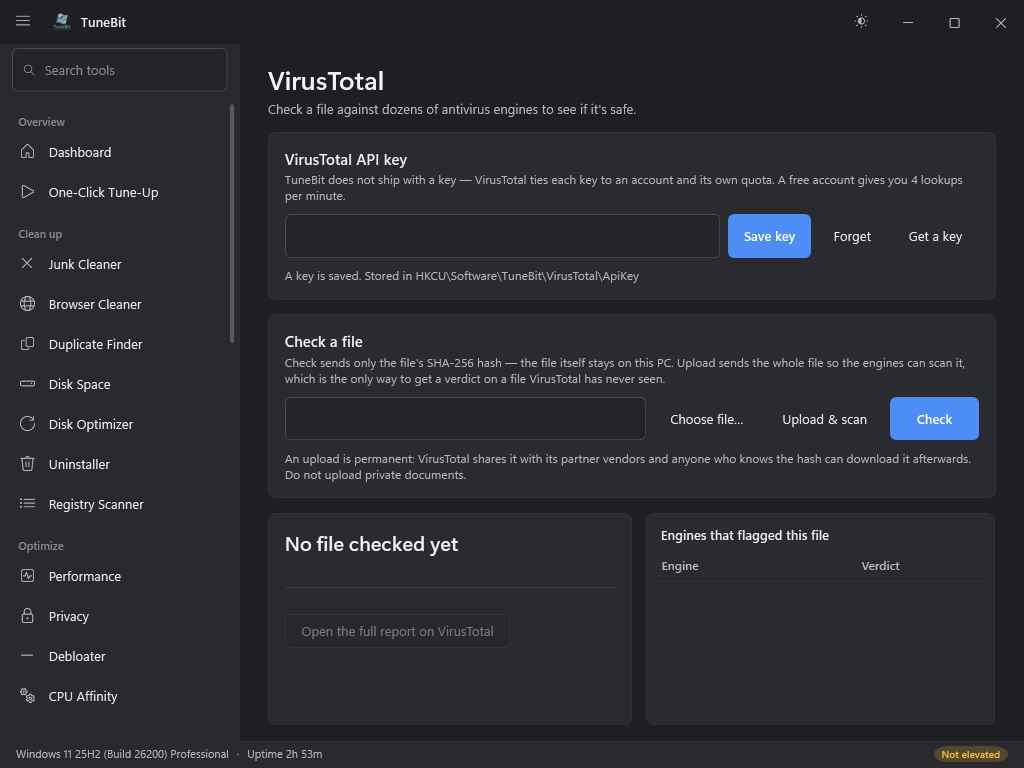
VirusTotal
Check a file against dozens of antivirus engines to see if it's safe.
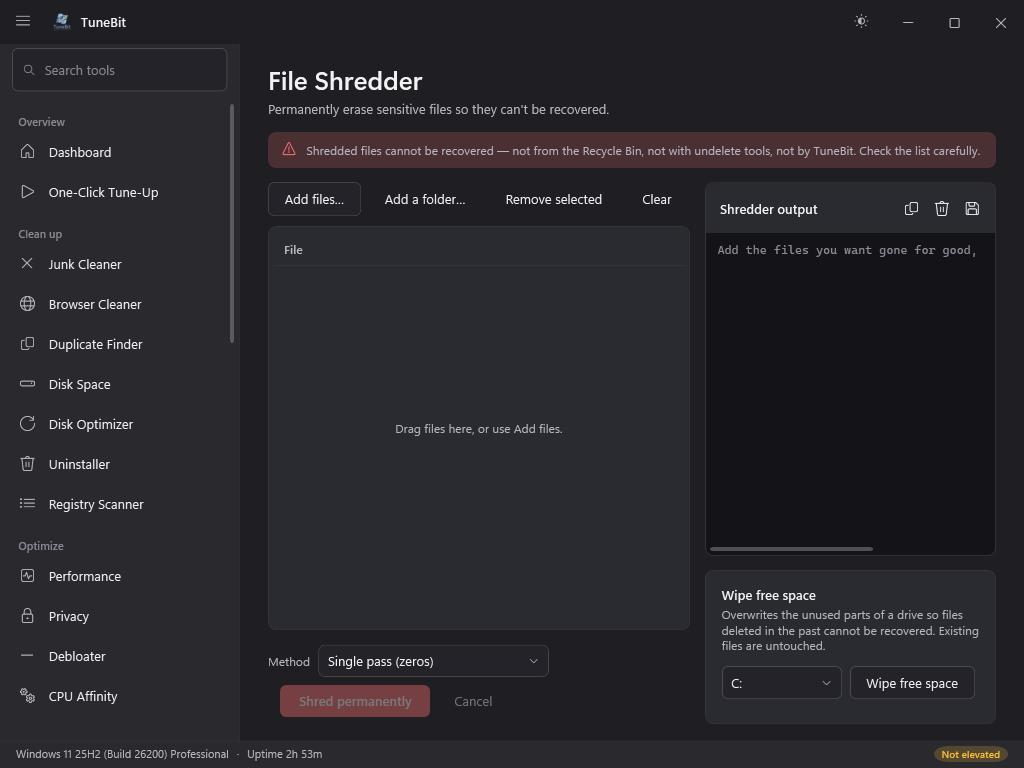
File Shredder
Permanently erase sensitive files so they can't be recovered.
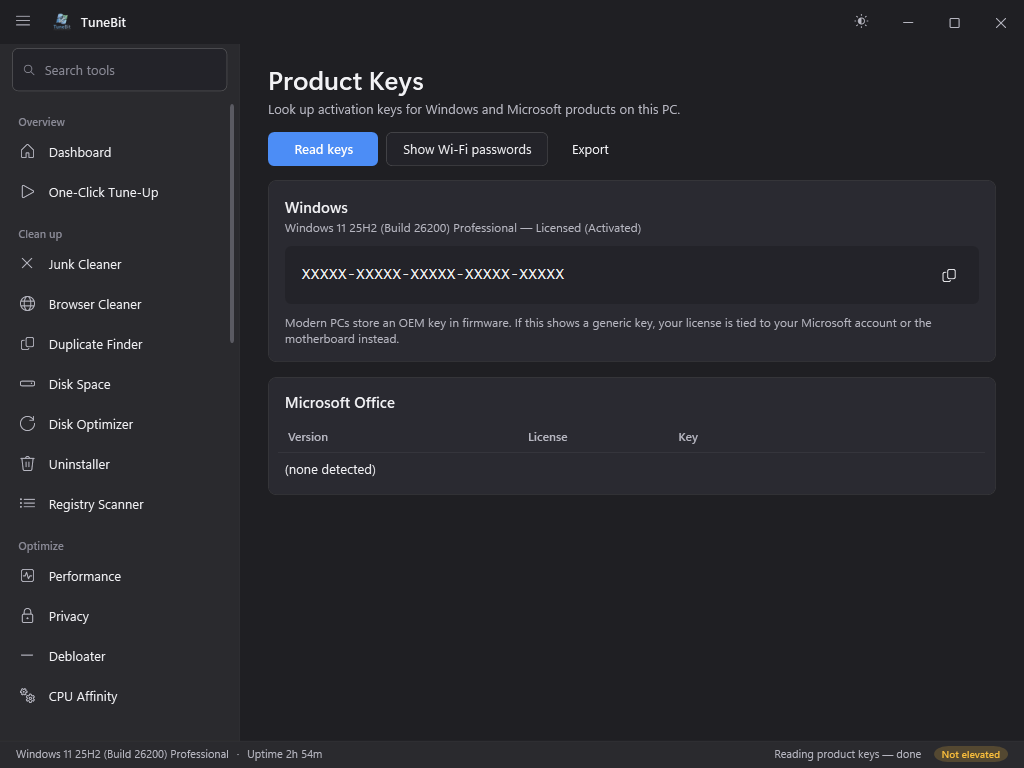
Product Keys
Look up activation keys for Windows and Microsoft products on this PC.
Diagnose
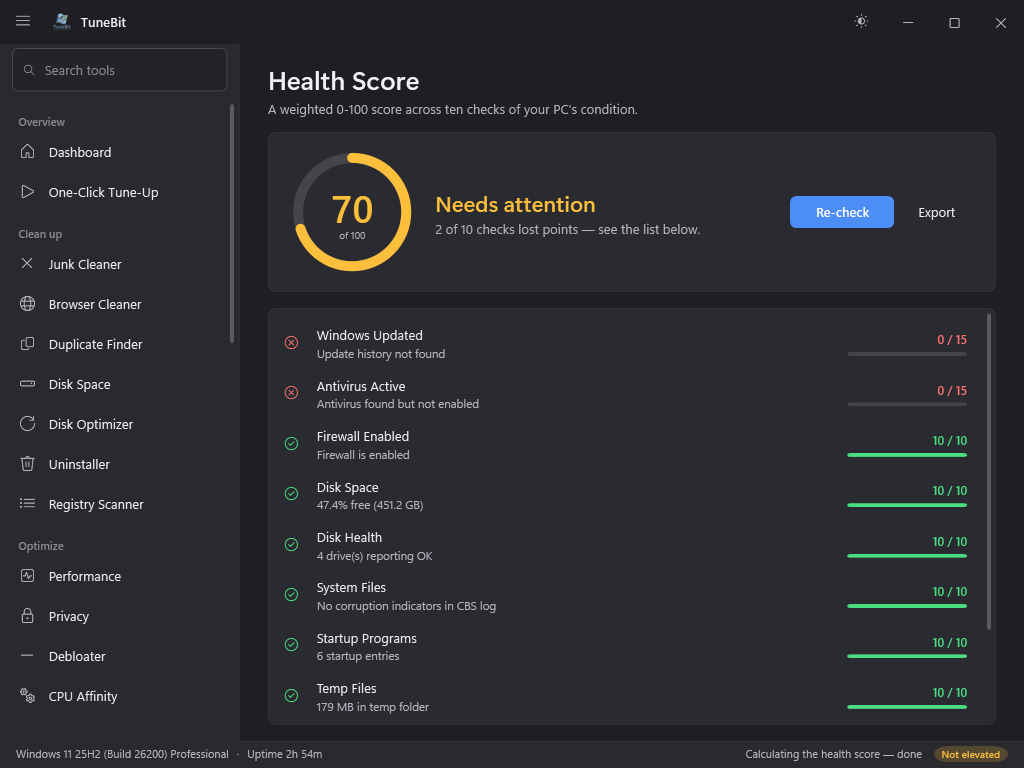
Health Score
A weighted 0-100 score across ten checks of your PC's condition.
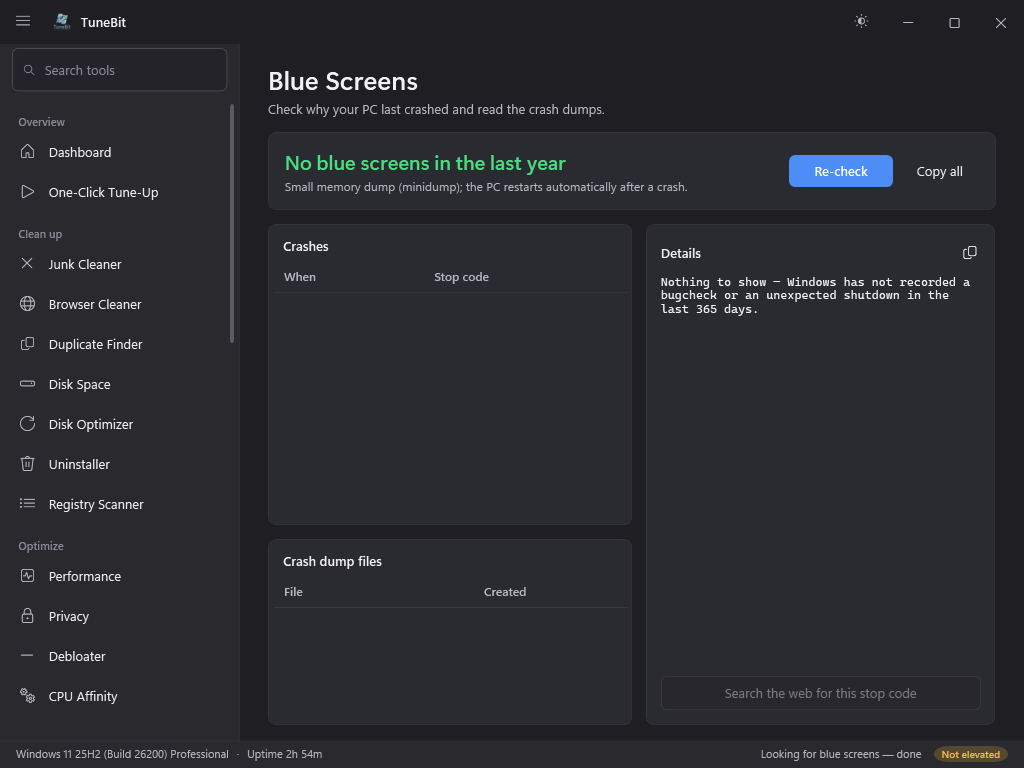
Blue Screens
Check why your PC last crashed and read the crash dumps.
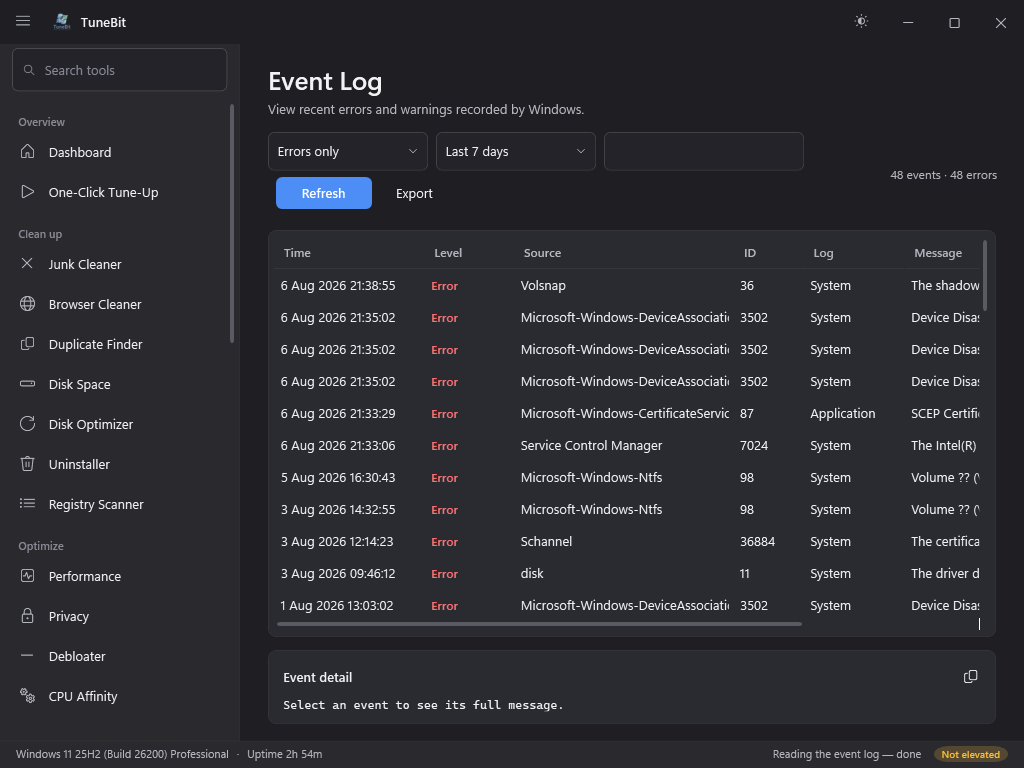
Event Log
View recent errors and warnings recorded by Windows.
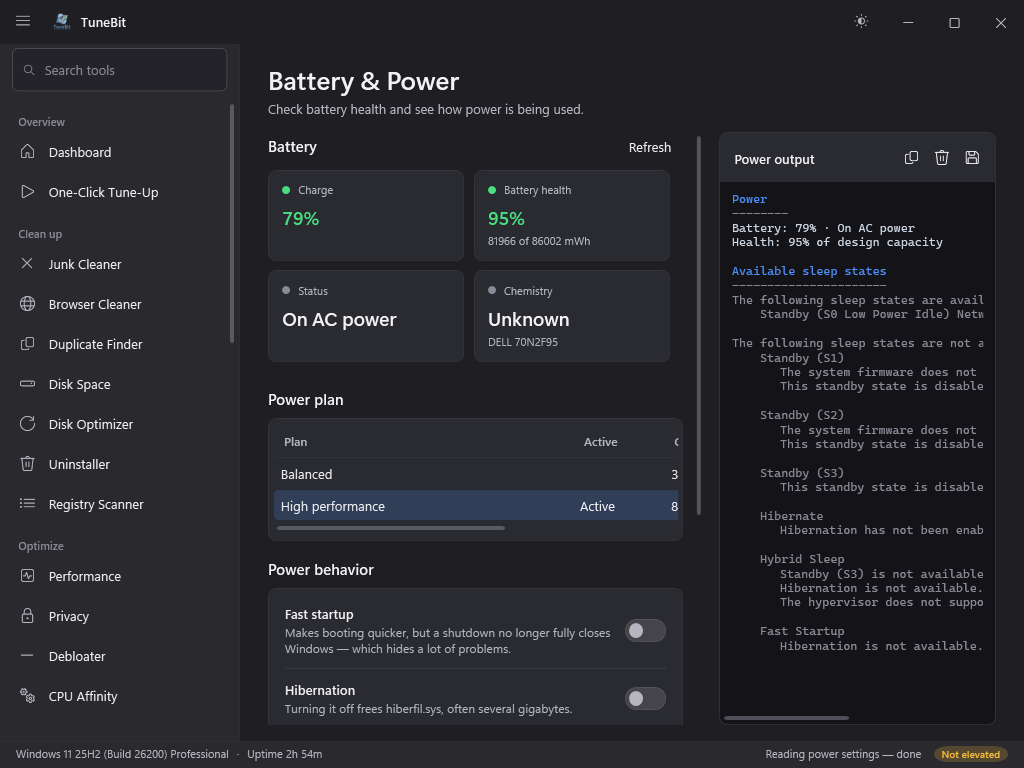
Battery & Power
Check battery health and see how power is being used.
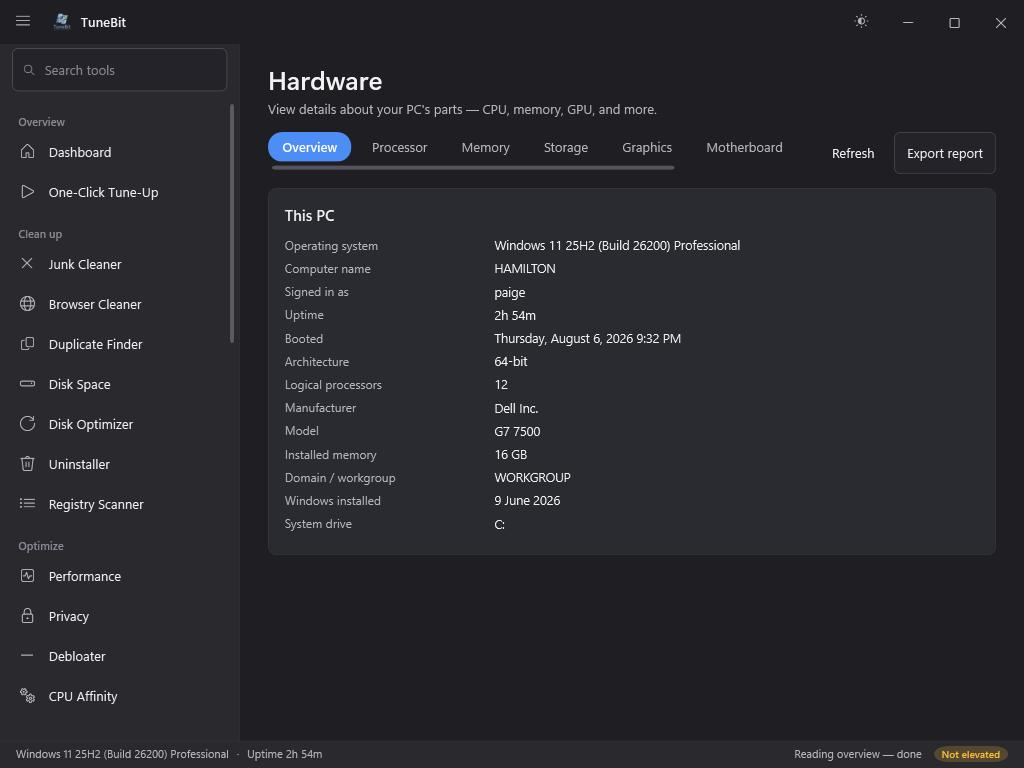
Hardware
View details about your PC's parts — CPU, memory, GPU, and more.
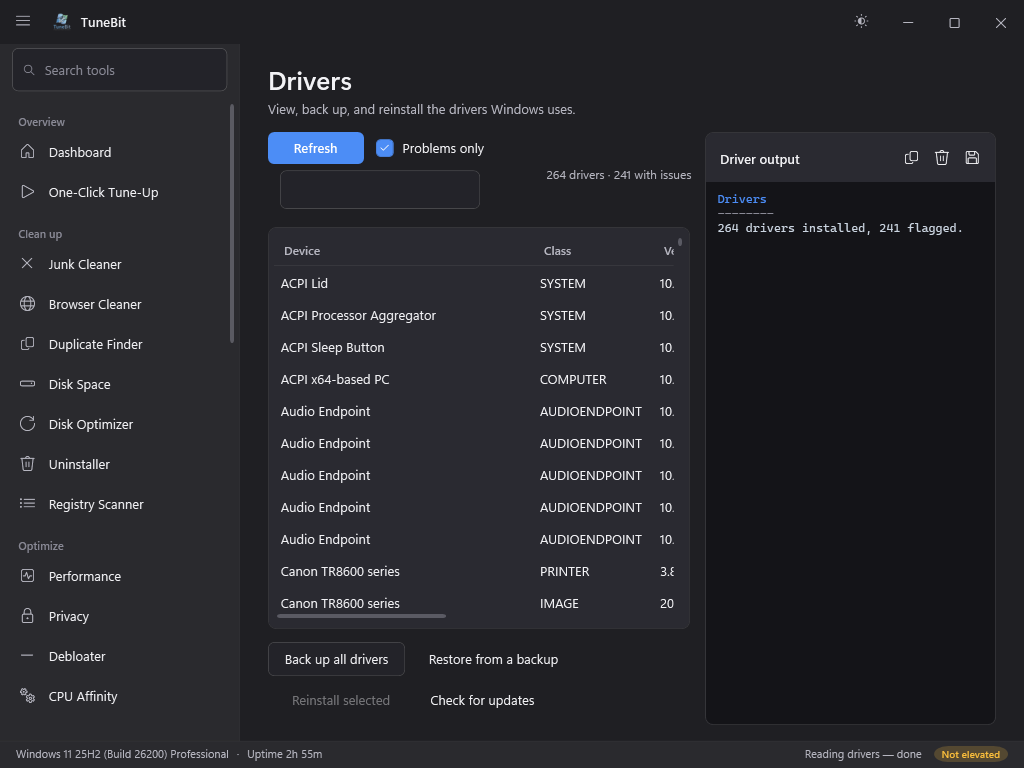
Drivers
View, back up, and reinstall the drivers Windows uses.
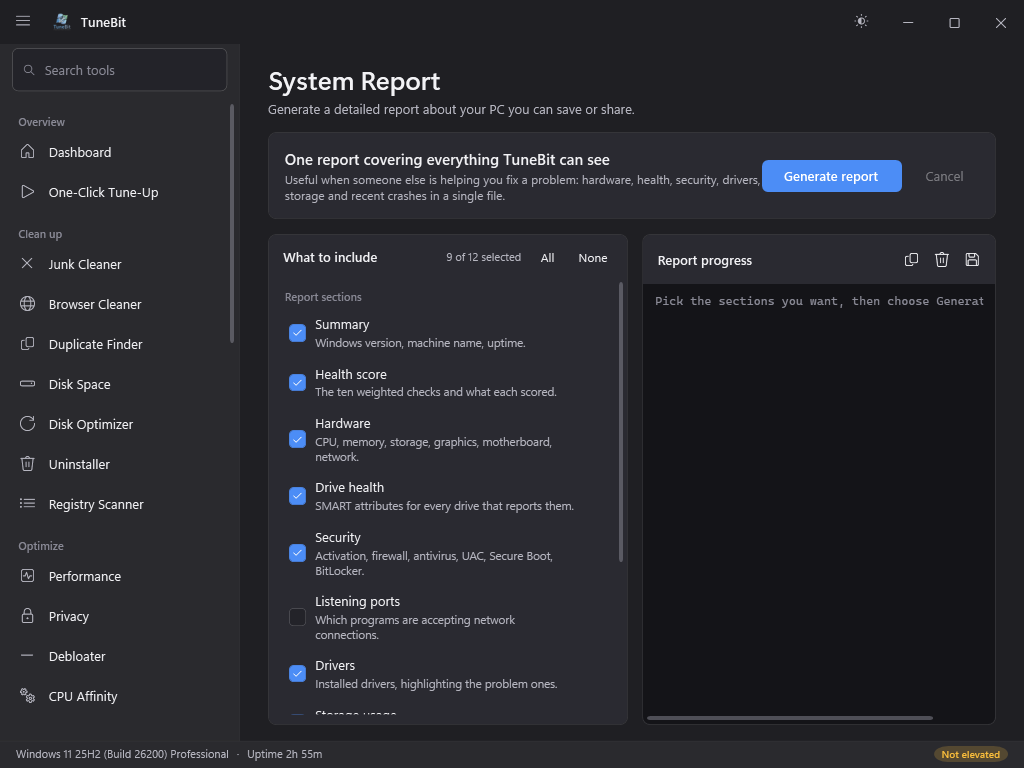
System Report
Generate a detailed report about your PC you can save or share.